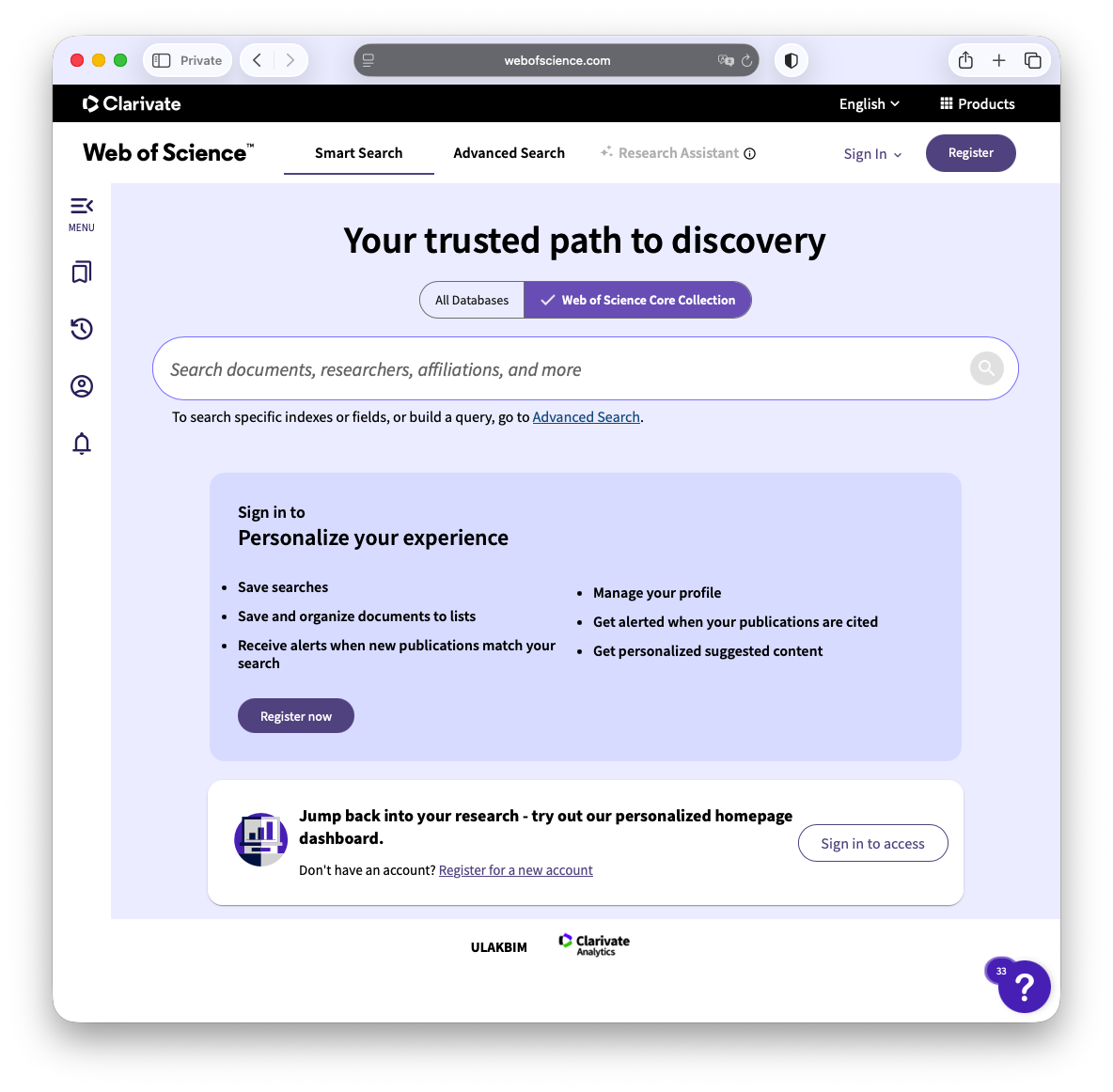
How to Access Research Databases Using OpenAthens
Overview
Some databases don't use the standard proxy for remote access, but rather OpenAthens. Below are some examples.
How to access Scopus using OpenAthens
Step 1:
The link to Scopus from the Research Database Index should take you to the page below.
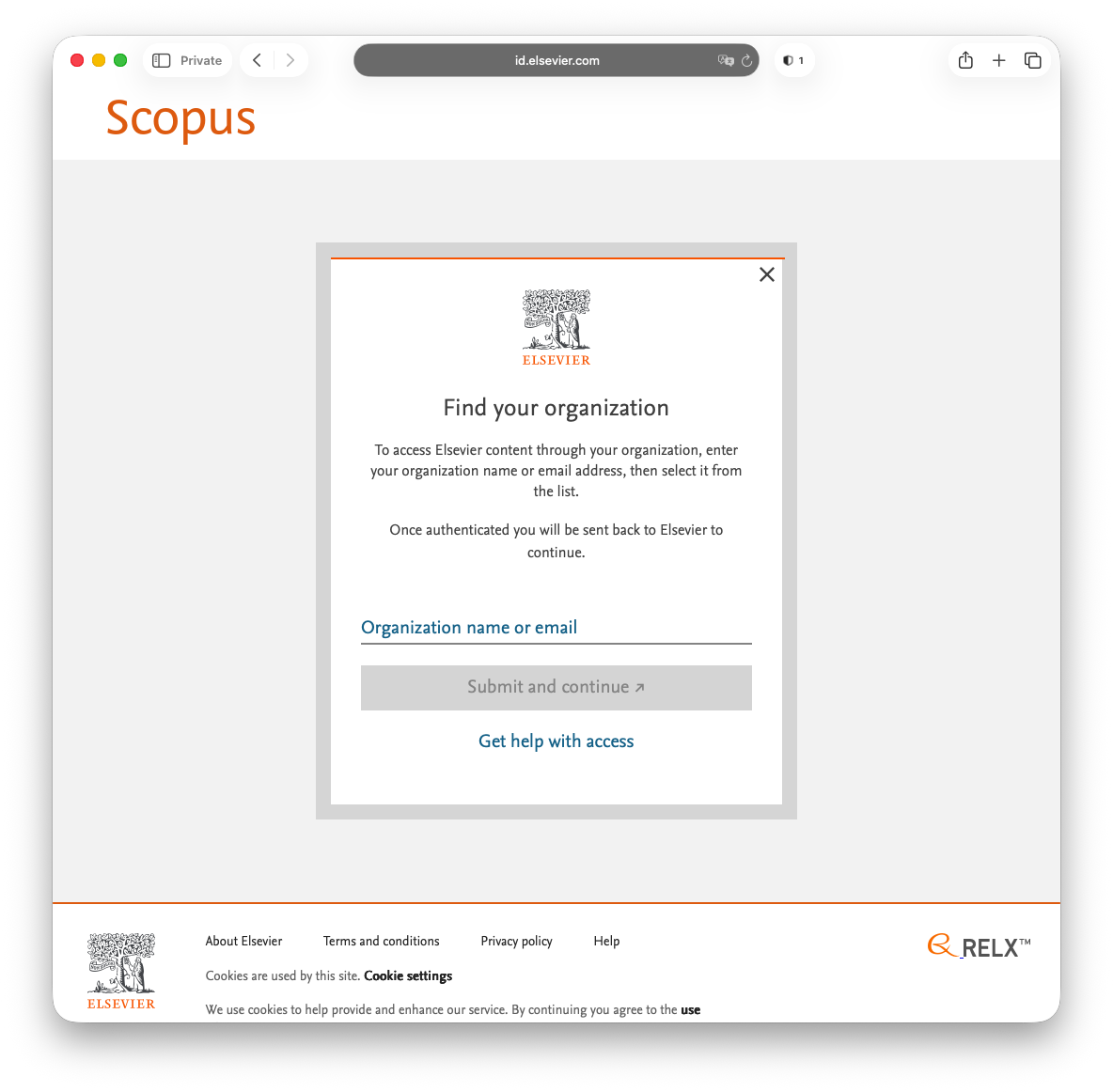
Step 22:
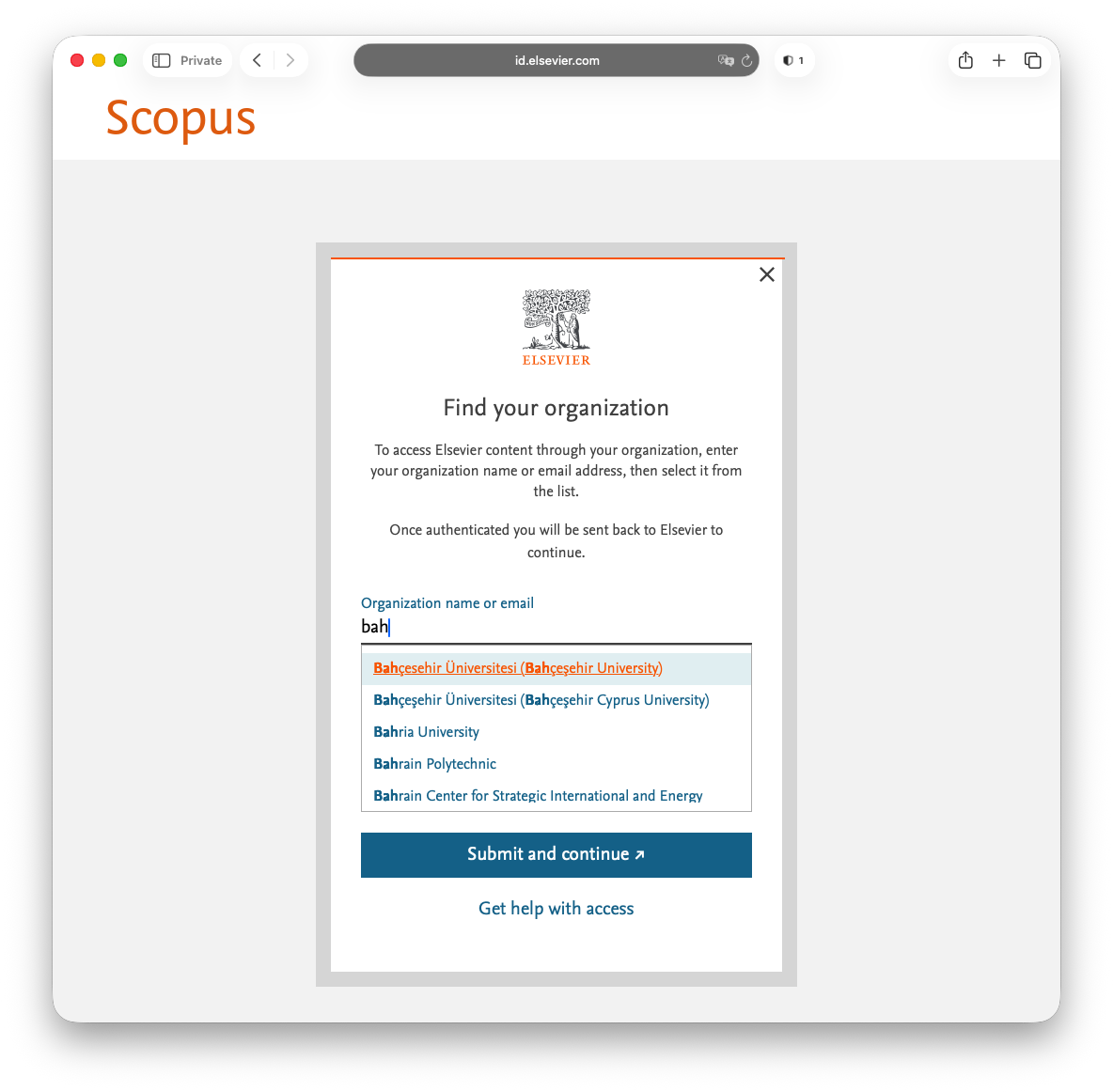
Step 33:
Faculty / staff should use their network credentials instead of UMIS credentials here.
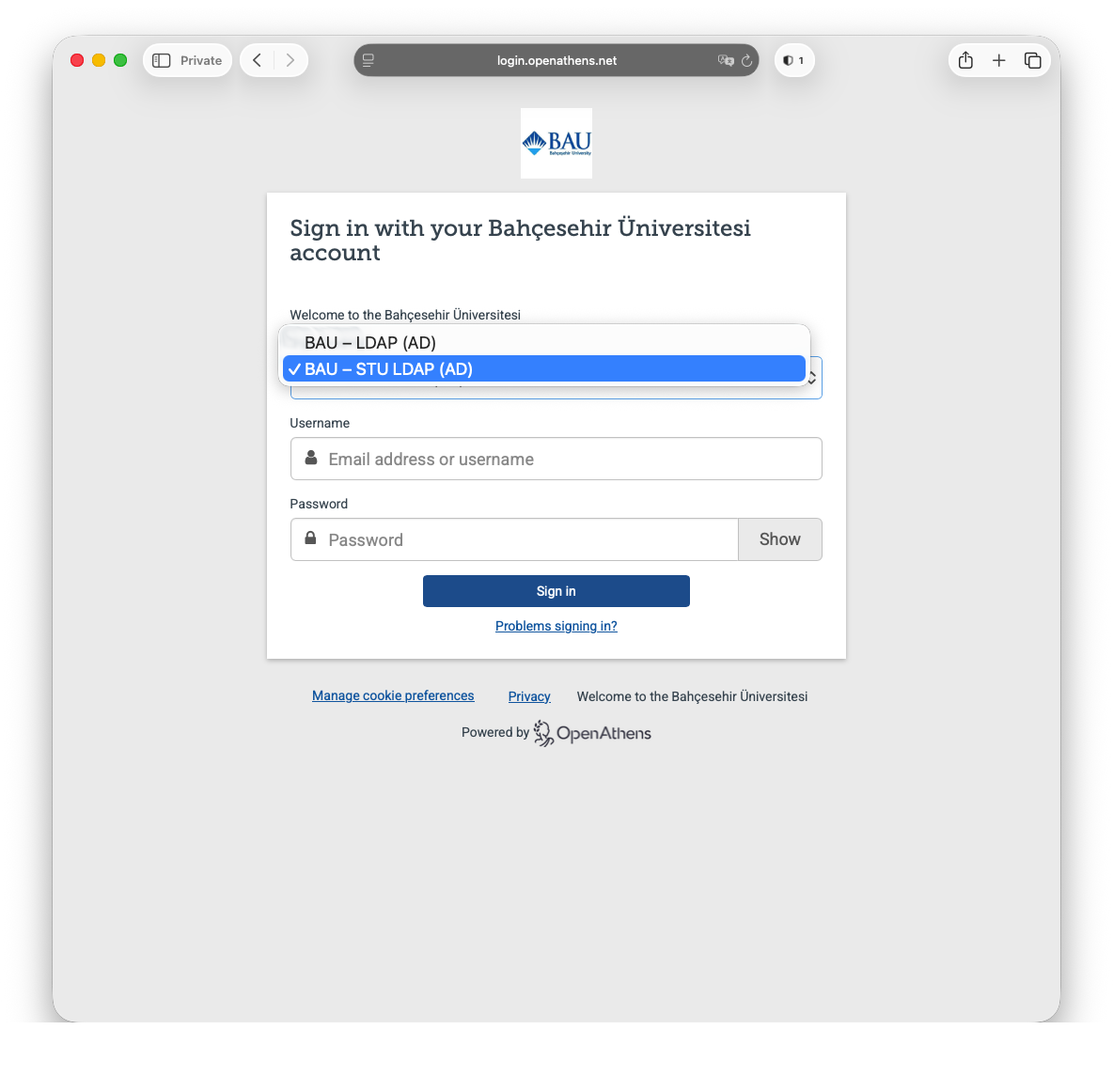
Step 4

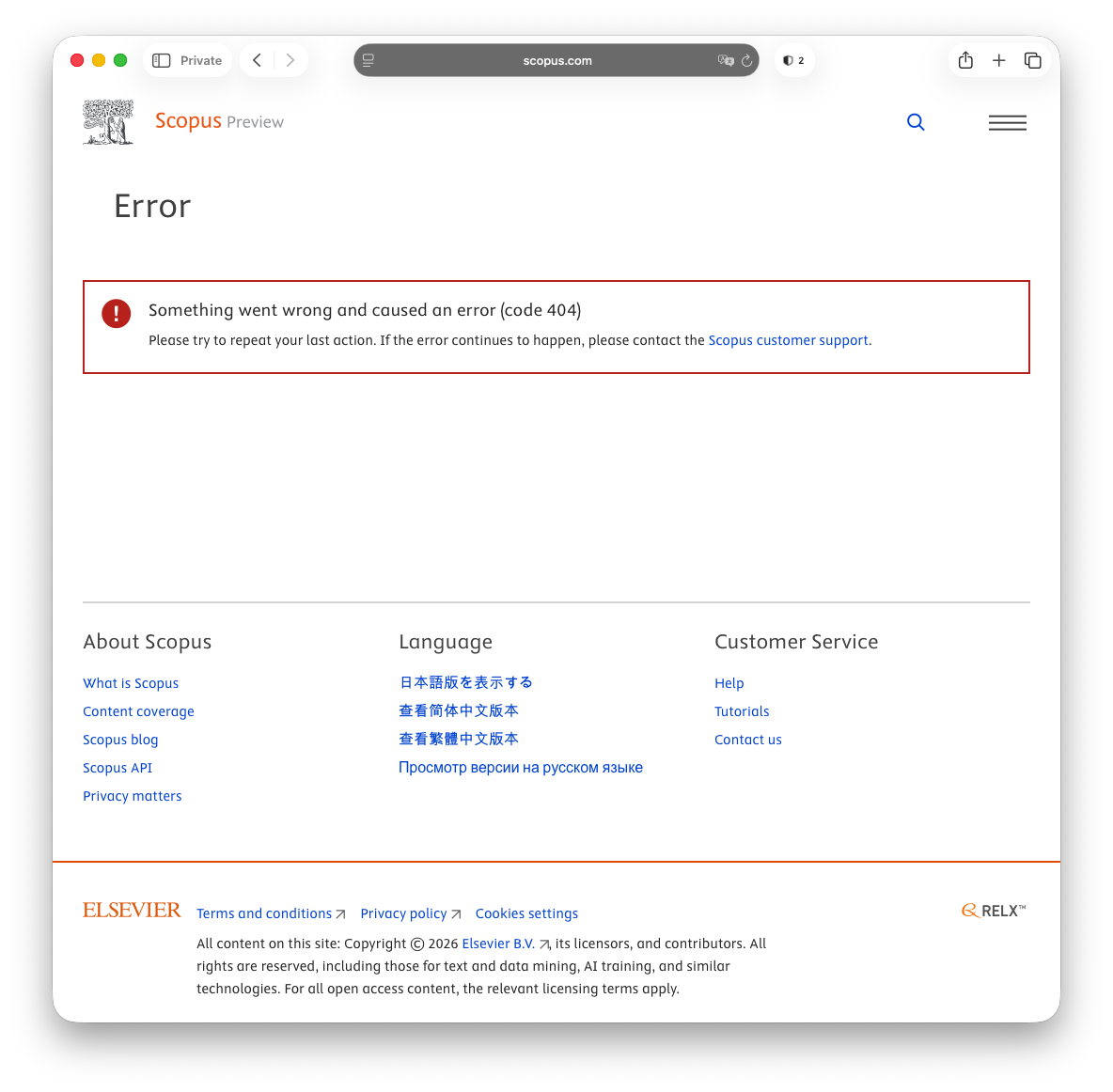
If you see the error screen below, simply click on the Scopus Preview logo in the top left corner of the screen and you will be redirected to the screen above.
How to access Web of Science using OpenAthens
Step 11:
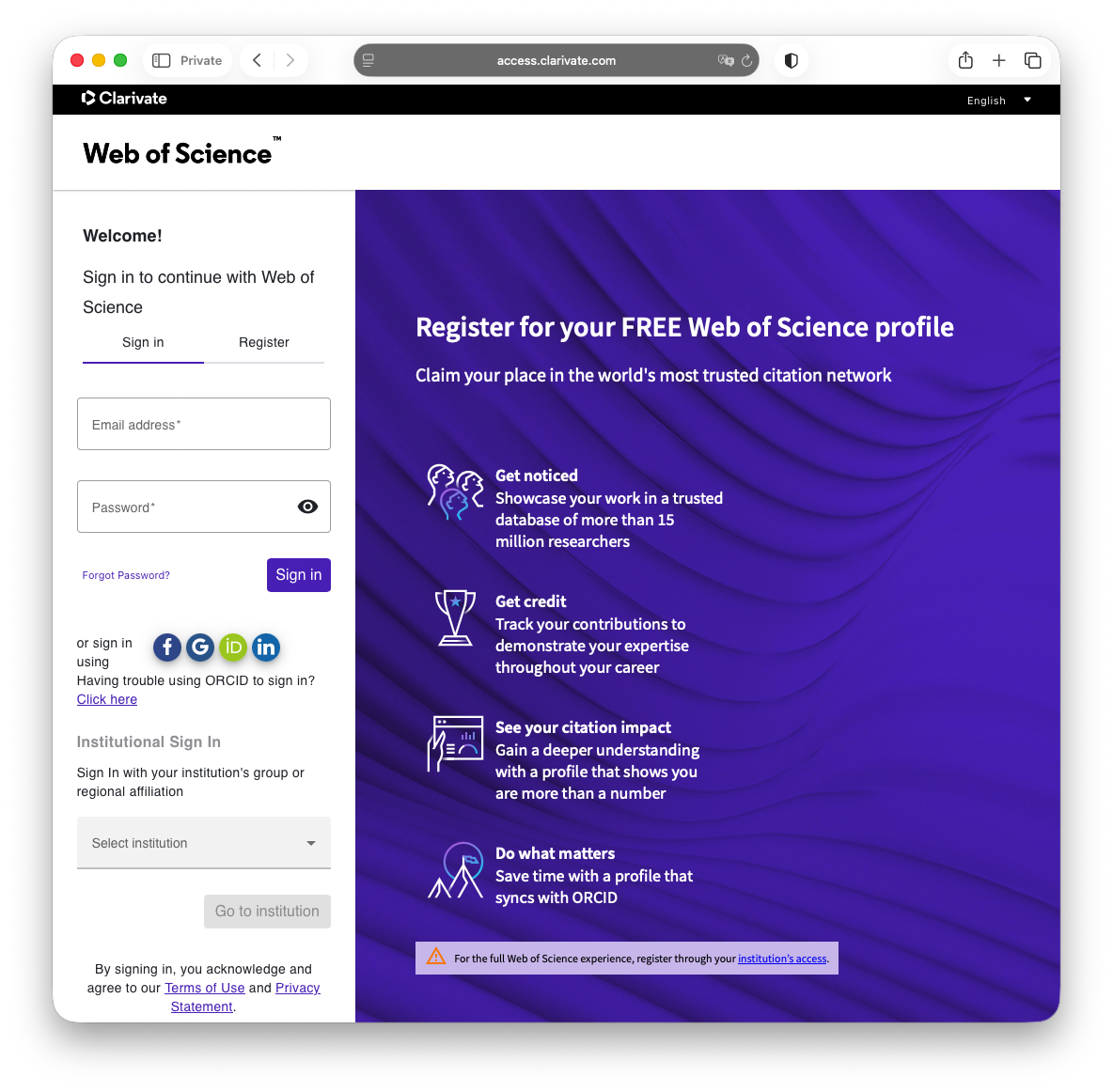
Step 22:
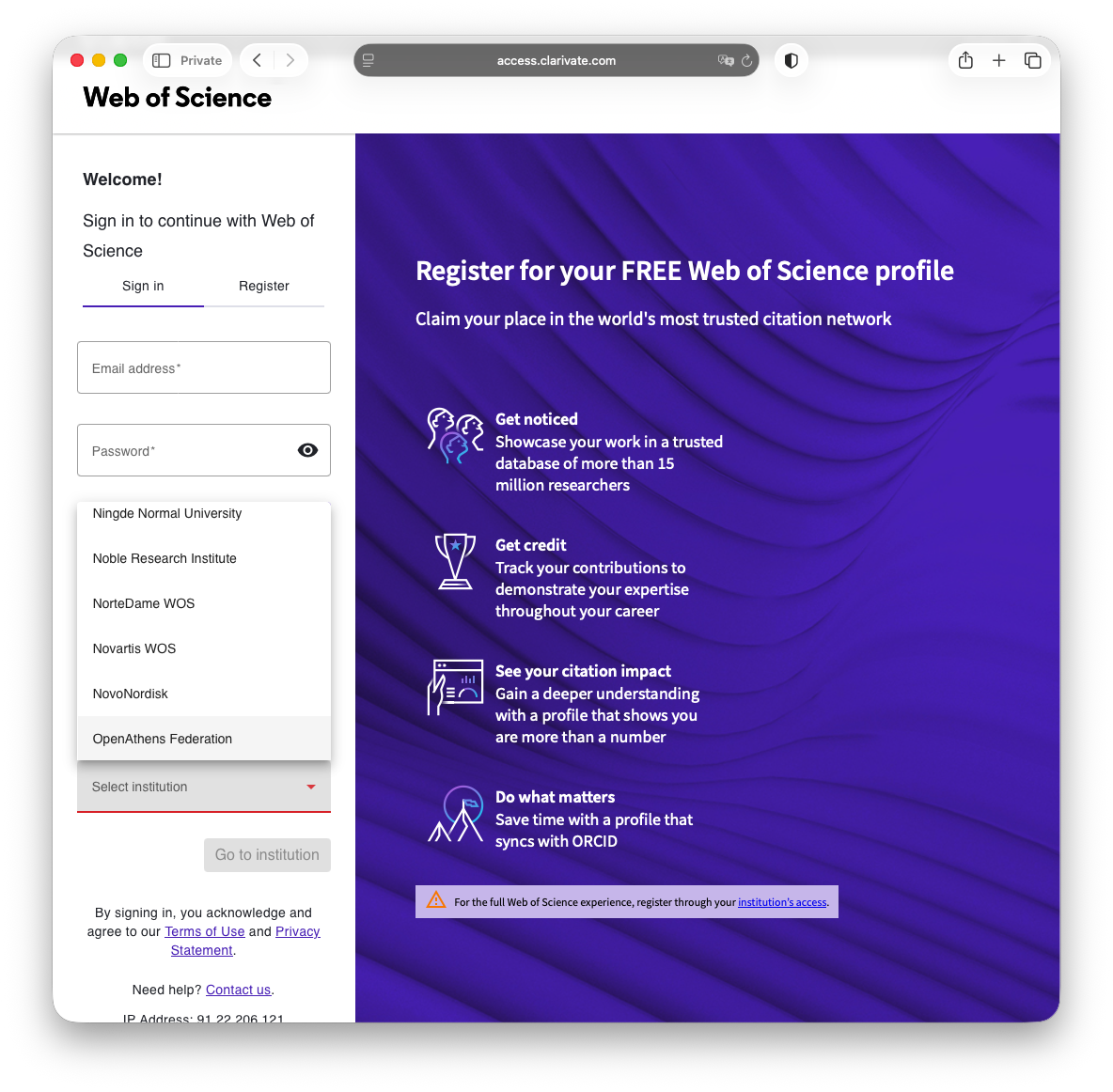
Step 3
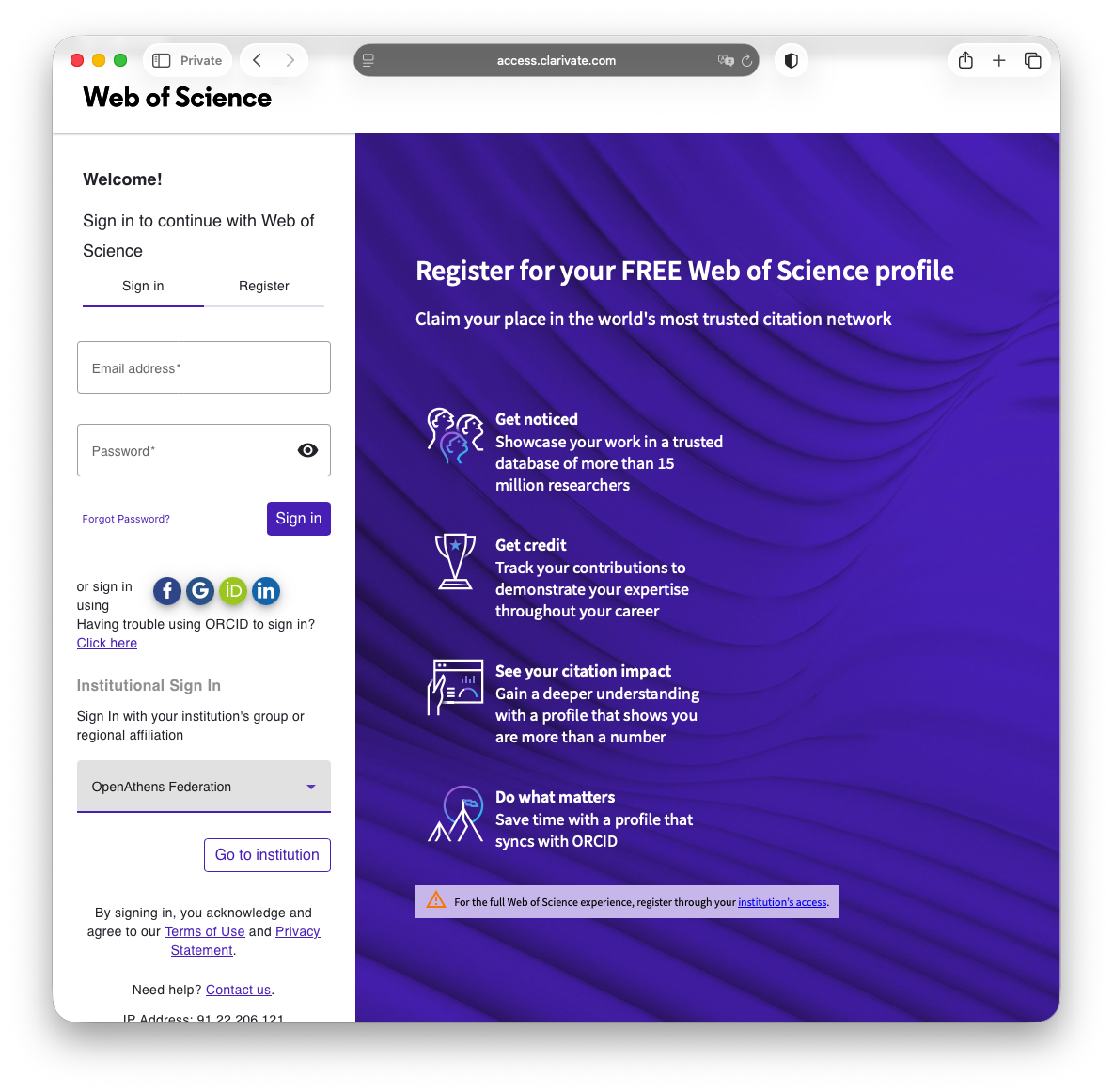
Step 44:
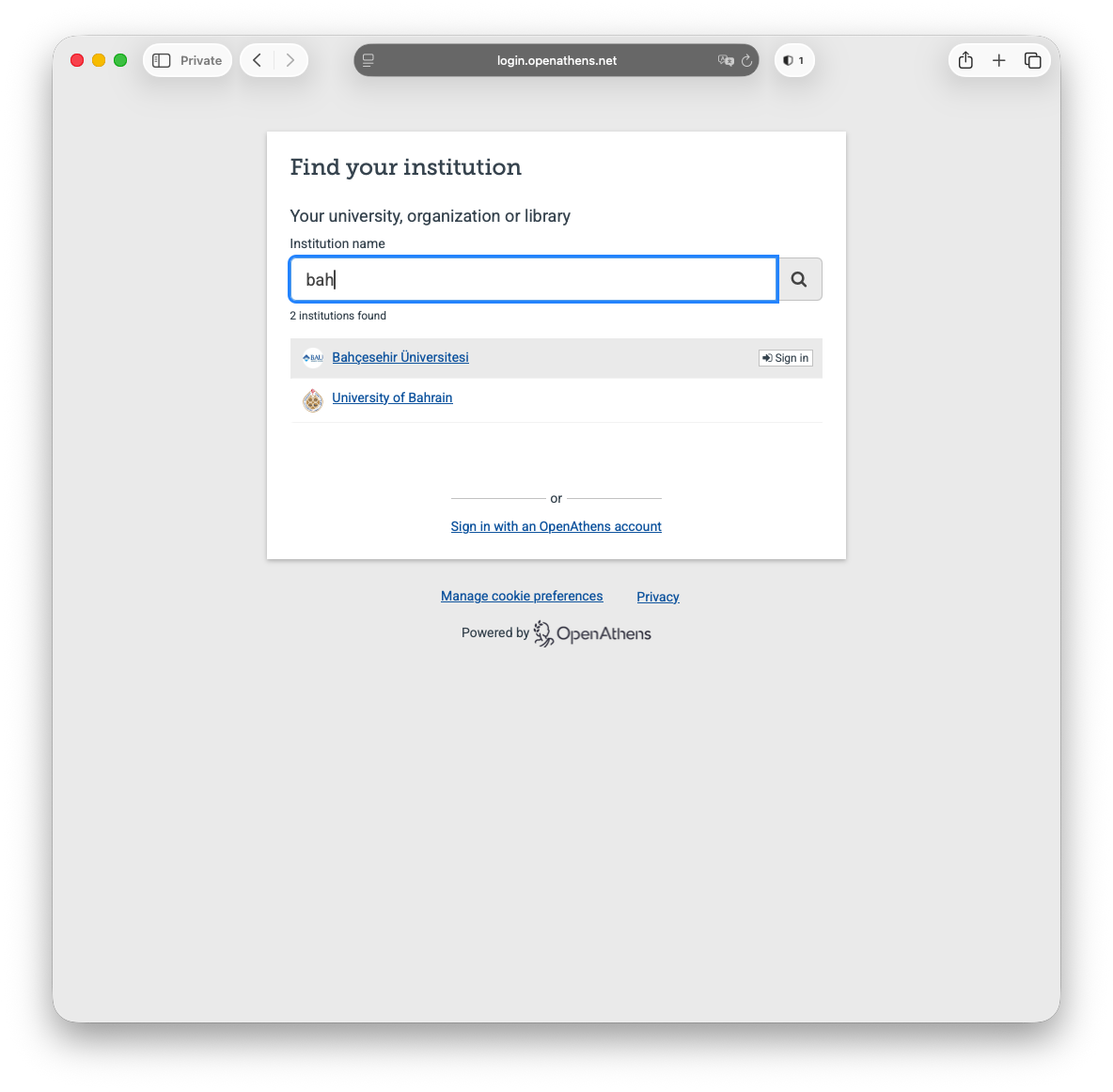
Step 5:
Next select BAU - STU LDAP (AD) from the first drop-down menu followed by your UMIS credentials.
Faculty / staff should use their network credentials instead of UMIS credentials here.
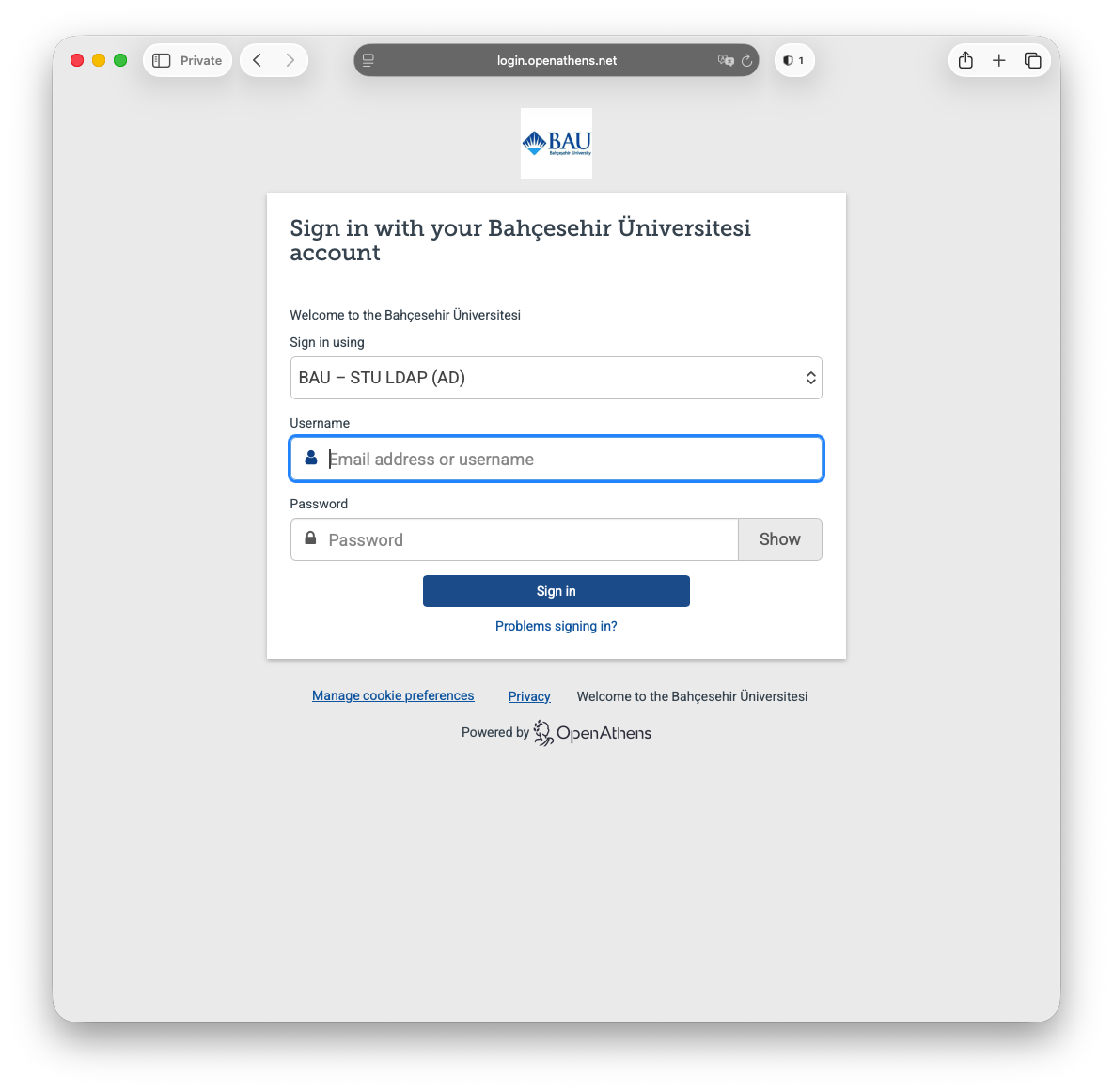
Step 56